What it covers
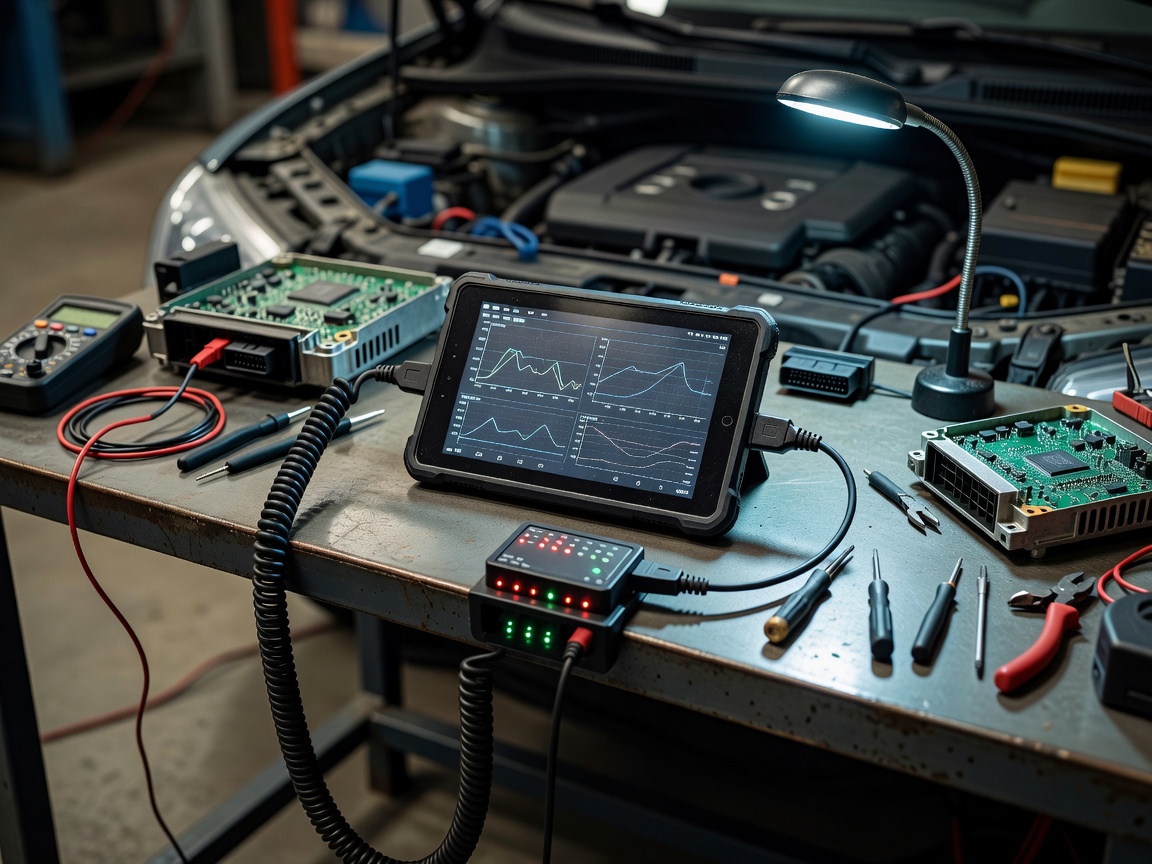
Setup covers the initial configuration of a diagnostic tablet, scan tool, laptop or communication interface. It can include user access, software installation, update paths, network settings, power management, cable identification and the sequence used before a vehicle connection.
When it is useful
Use this service when a new instrument enters a workshop, a device moves between locations, a user inherits an existing setup or communication is inconsistent. It is also useful when the tool works in one environment but not another.
Environment checks
- Confirm operating system, software version and update ownership.
- Check power stability and charging arrangements.
- Identify the communication interface and matching cable.
- Review network access, permissions and data handling.
- Record the vehicle coverage information supplied by the equipment maker.
Typical workflow
First, identify the tool, interface and intended vehicle work. Next, establish the software and account requirements. The communication path is checked without assuming that a connection proves full vehicle compatibility. The final step is a written startup sequence that a technician can repeat.
Communication interfaces
An interface acts as the communication path between equipment and vehicle systems. Different interfaces can support different networks or functions. Connection type, software support, cable condition and vehicle state can all affect communication. A successful connection to one vehicle does not prove universal coverage.
User workflow
Good setup reduces avoidable choices. The user should know which lead to select, how to stabilise power, when to confirm vehicle identity and how to save a diagnostic session. The procedure should also state when to stop and seek equipment or vehicle documentation.
Common issues
Typical causes include expired software access, incorrect cable selection, weak device power, restricted network permissions and incomplete vehicle identification. A software update can change menus or supported functions. Record the change rather than treating a different screen as a hardware fault.
Limitations
Setup cannot add functions that the instrument, software or vehicle information does not provide. Compatibility remains dependent on the equipment maker, software state, vehicle system and intended operation.
Next action: send the tool category, interface type and intended workflow. Include the point where communication currently stops.